> ## Documentation Index
> Fetch the complete documentation index at: https://docs.formizee.com/llms.txt
> Use this file to discover all available pages before exploring further.
# Uploading files
> Learn how to ingest files in your forms.
### Prerequisites
To get the most out of this guide, you'll need to:
* [Create a Formizee account](https://dashboard.formizee.com)
* [Have a form created](/guides/create-your-first-form)
## 1. Update your form
Update your form to use `enctype='multipart/form-data'` and add a input inside:
```tsx index.html {1,11} theme={"system"}
```
## 2. See on your Dashboard
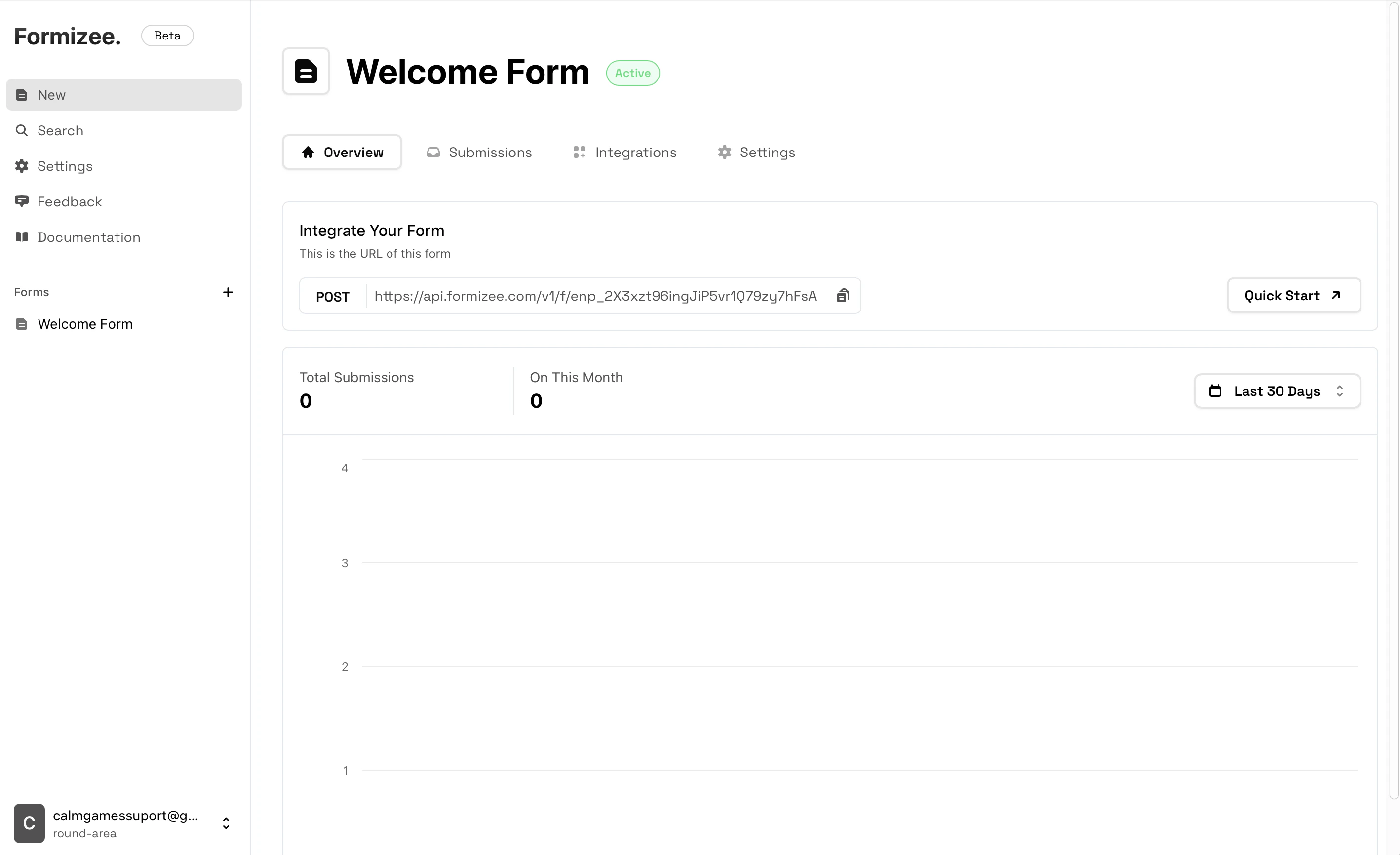
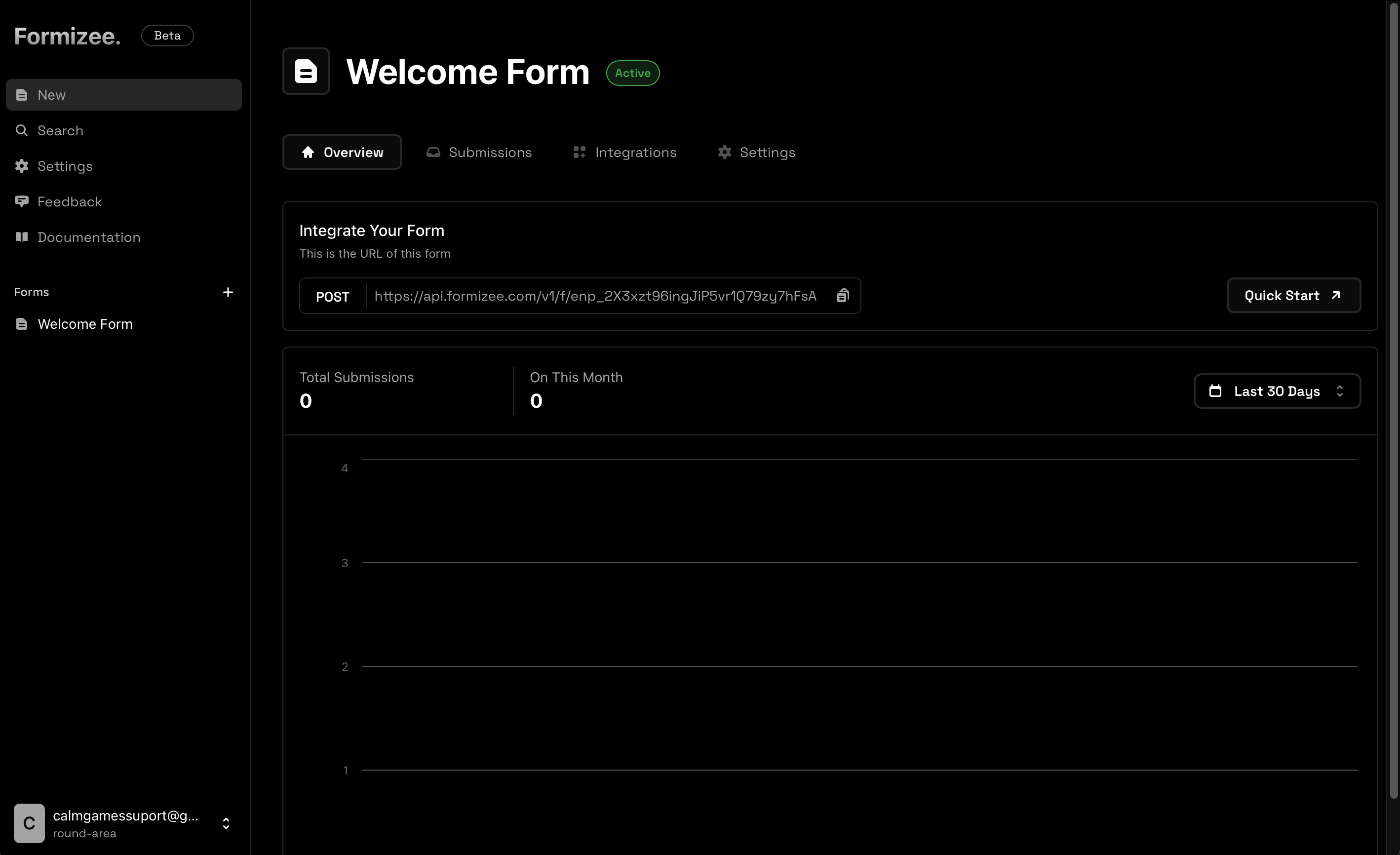
Now if you make a submissions, you should see your attachment on the dashboard.
 ***
### File Uploads Limitations
At the moment the files feature has some limitations:
**Max file size **50 Mb**.**
Since we are running our infrastructure on the edge, we only support 50 Mb to prevent issues.
*We have planned to increase this limit in a future.*
**Multifile inputs are not supported.**
At the moment uploading multiple files with a single input will result on a single file uploaded (the first selected).
***
### File Uploads Limitations
At the moment the files feature has some limitations:
**Max file size **50 Mb**.**
Since we are running our infrastructure on the edge, we only support 50 Mb to prevent issues.
*We have planned to increase this limit in a future.*
**Multifile inputs are not supported.**
At the moment uploading multiple files with a single input will result on a single file uploaded (the first selected).