Documentation Index
Fetch the complete documentation index at: https://docs.formizee.com/llms.txt
Use this file to discover all available pages before exploring further.
Prerequisites
To get the most out of this guide, you’ll need to:
Update your form to use enctype='multipart/form-data' and add a input inside:
<form method="post" enctype='multipart/form-data' action="https://api.formizee.com/v1/f/enp_123456">
<label for="name">
Name
<input id="name" autoComplete="name" name="name" />
</label>
<label for="email">
Email
<input id="email" autoComplete="email" name="email" />
</label>
<label for="attachment">
<input id="attachment" name="attachment" type="file" />
</label>
<button type="submit">Submit</button>
</form>
2. See on your Dashboard
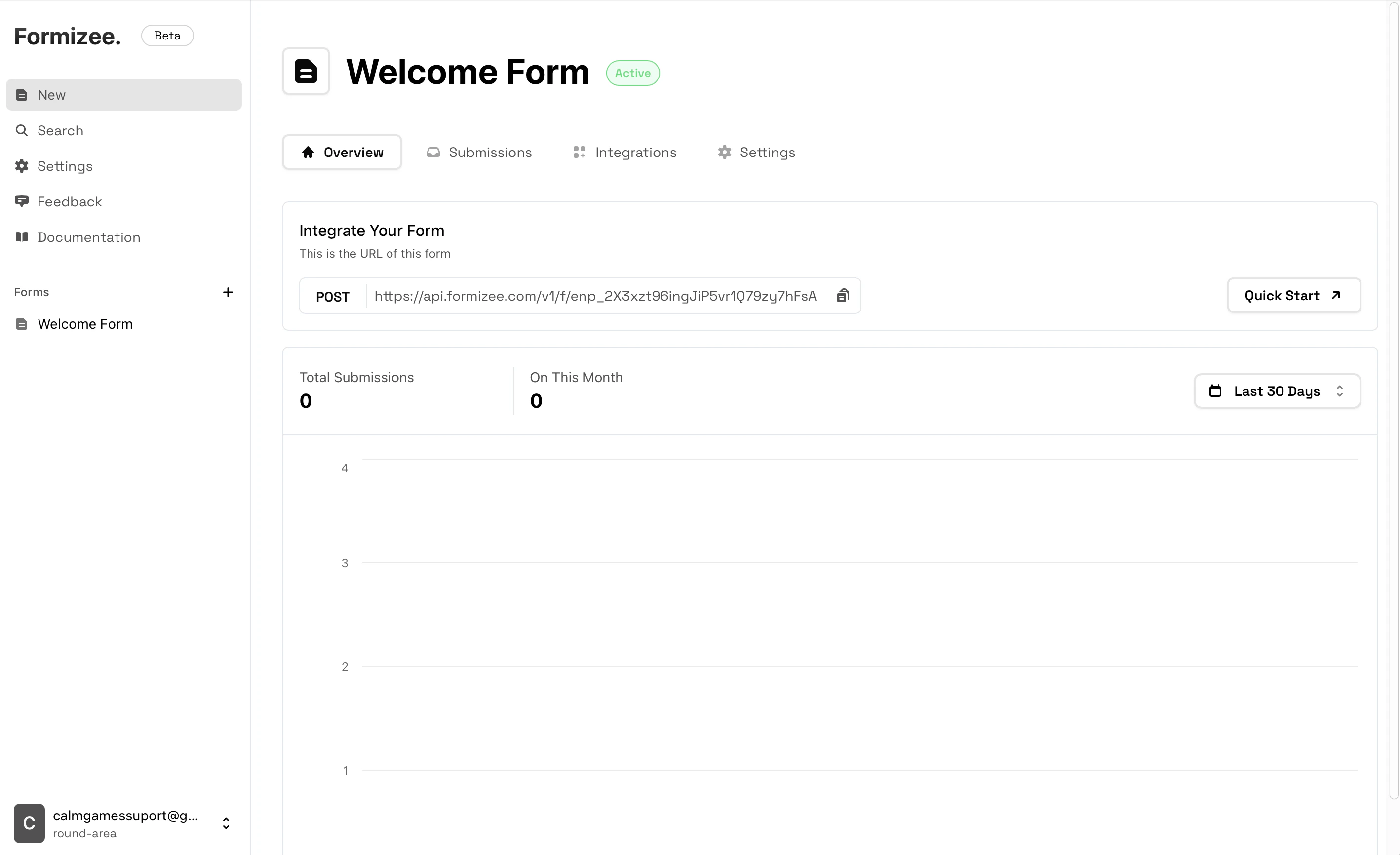
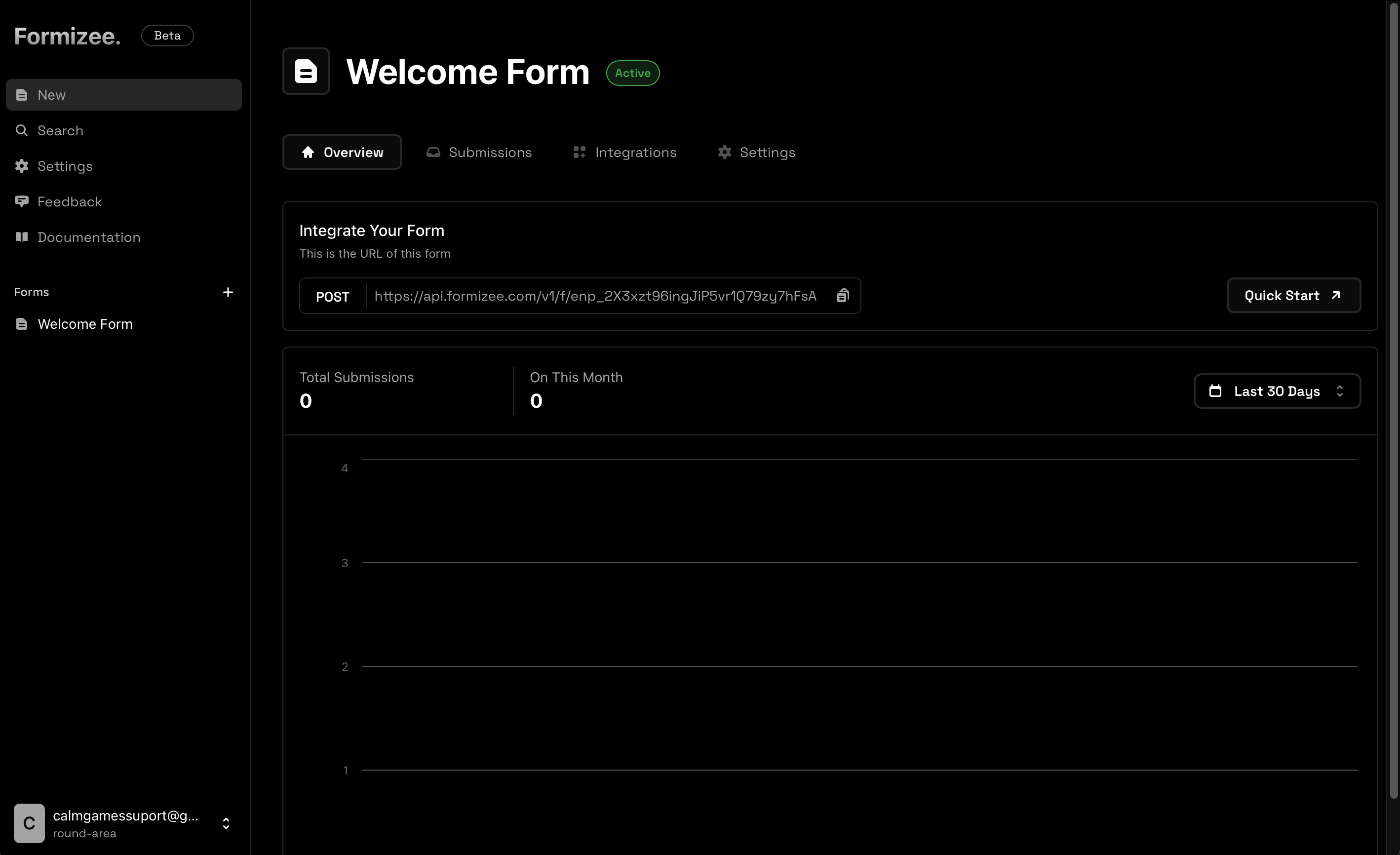
Now if you make a submissions, you should see your attachment on the dashboard.
File Uploads Limitations
At the moment the files feature has some limitations:Max file size 50 Mb.
Since we are running our infrastructure on the edge, we only support 50 Mb to prevent issues.
We have planned to increase this limit in a future.Multifile inputs are not supported.
At the moment uploading multiple files with a single input will result on a single file uploaded (the first selected).